
Odoo 19 · Sales & Purchase · Price-Inquiry Workflow
Ochre Product Inquiry
A guided price-inquiry workflow for Odoo 19 that moves a customer’s price request from your sales team to your purchase team and back — while keeping each side’s sensitive numbers hidden from the other.
Why it matters
Price inquiries shouldn’t live in spreadsheets and email
Customer names leak to suppliers, buying prices and margins sit in front of people who shouldn’t see them, and there’s no record of who quoted what. This module turns that into one controlled workflow inside Odoo — covering vendor quotes, markup, manager approval and management reporting — where every role sees only what it needs.
What it does
Roles & capabilities
Five built-in roles for internal users — Sales Executive, Sales Coordinator, Purchase Executive, Purchase Manager and Management — each seeing exactly what they should.
Manager verification gate
No price reaches the customer without manager approval — verify and release, or send back for a re-quote.
Automatic markup
The customer price is procurement price plus markup, applied automatically and revealed only on release.
Vendor pricelist sync
The selected vendor and rate flow into the supplier pricelist, so the next quote starts from current numbers.
Management reporting
Inquiries grouped into Pending, Quoted, Sent, Won and Lost — with markup visible to management only.
Locked originator & audit
The originating Sales Executive is locked once submitted, and key fields are change-tracked in the chatter.
Role-based read-only terms
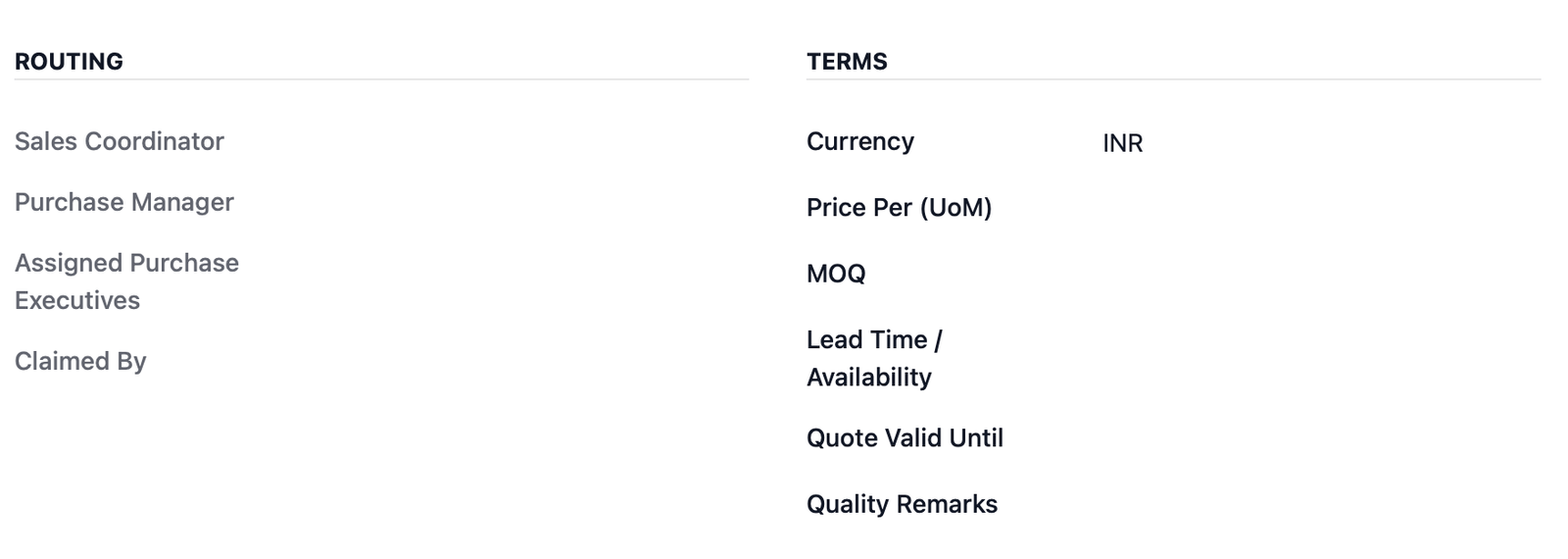
Quality remarks, buyer email and commercial terms with read-only rules that fit each role.
The core idea
The price wall
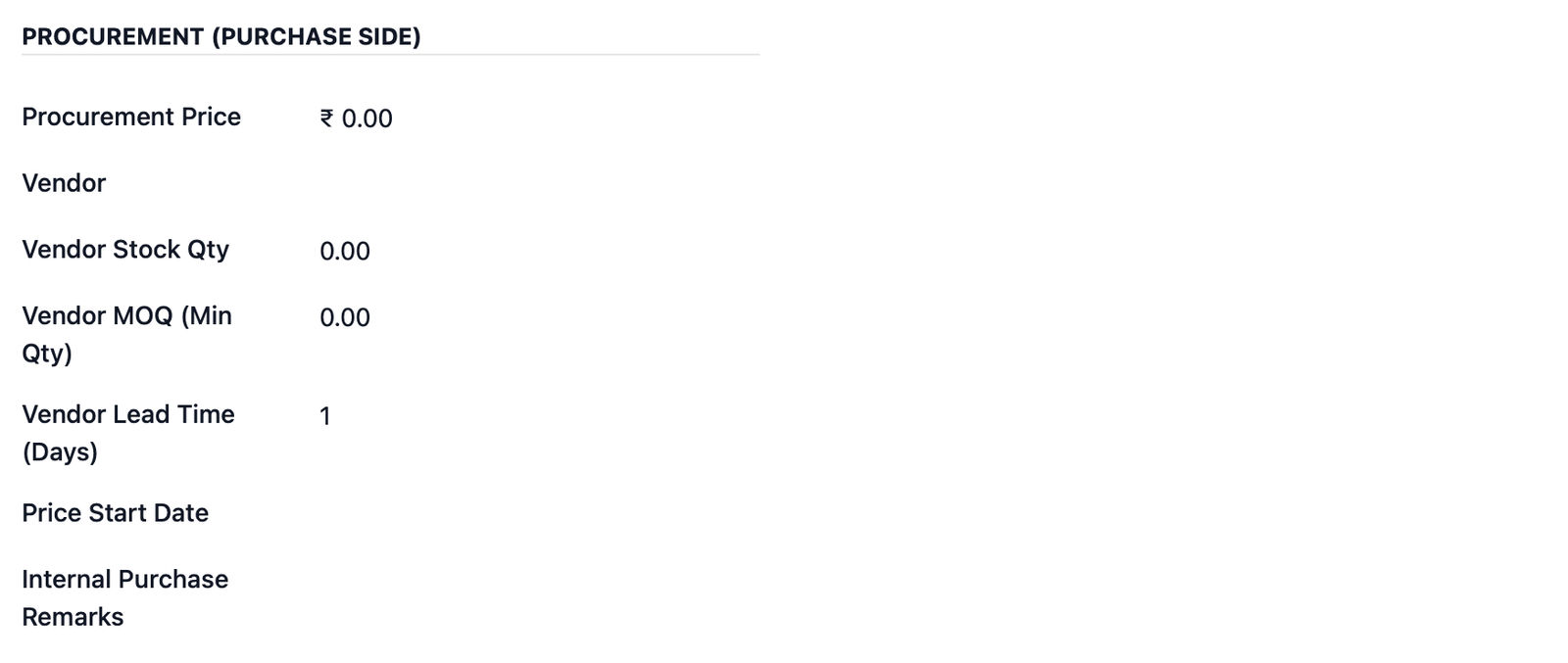
Visibility is enforced at the field level, not just hidden on a screen. Sales never sees the buying price or the markup; purchase never sees the customer or the sale price. Management sees both.
Set up in minutes
A controlled workflow, end to end
Sales raises the inquiry
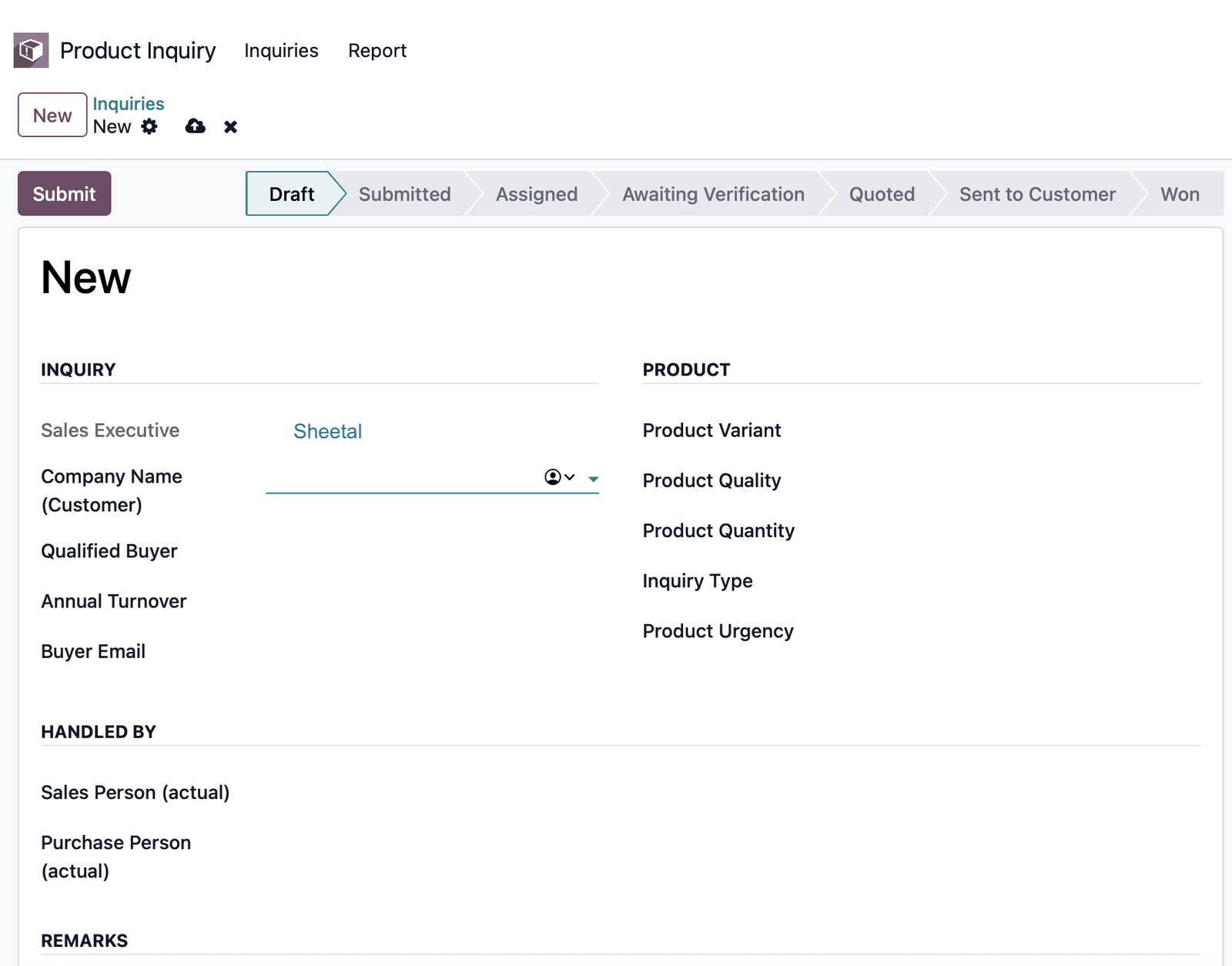
A Sales Executive captures customer, product, quality, quantity and urgency, then submits it to the Purchase Manager.
Purchase quotes
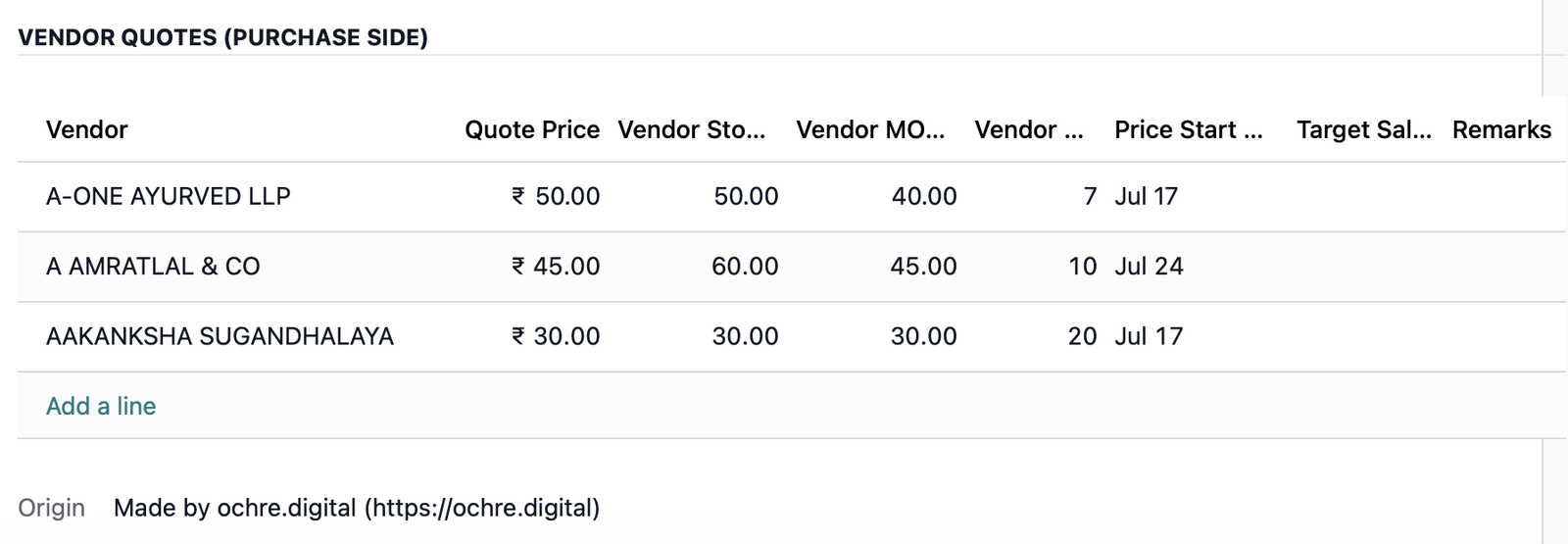
The Purchase Executive adds vendor quotes, the manager selects the winner, and the price is verified — through seven tracked stages.
Manager releases
The approved customer price returns to sales, who sends it to the customer and records Won or Lost for reporting.
Inside the module
See it in Odoo
Technical
Compatibility & details
| Availability | Odoo Community, Enterprise, Odoo.sh |
| Odoo version | 19.0 |
| Depends on | product, crm, mail — core Odoo only |
| Prerequisites | None — self-contained on core Odoo |
| Technical name | ochre_inquiry_lite |
| License | OPL-1 |
| Author | Ochre Digital · ochre.digital |
Protect your margins inside Odoo
Questions before you buy, or help rolling it out? We build and support Odoo for teams across India and the GCC.